MyDigital Wedding Invite Blog
Animated Envelope Wedding Invitations: How to Create a Luxury Reveal Online
Why the Envelope Reveal Is the Most Loved Moment in a Digital Invitation
Think about the last paper invitation you received. Before you read a single word, you felt something: the weight of the card, the texture of the envelope, the small ritual of sliding your finger under the flap. A plain link in a chat can't do that. An animated envelope wedding invitation can, and it does it in about three seconds.
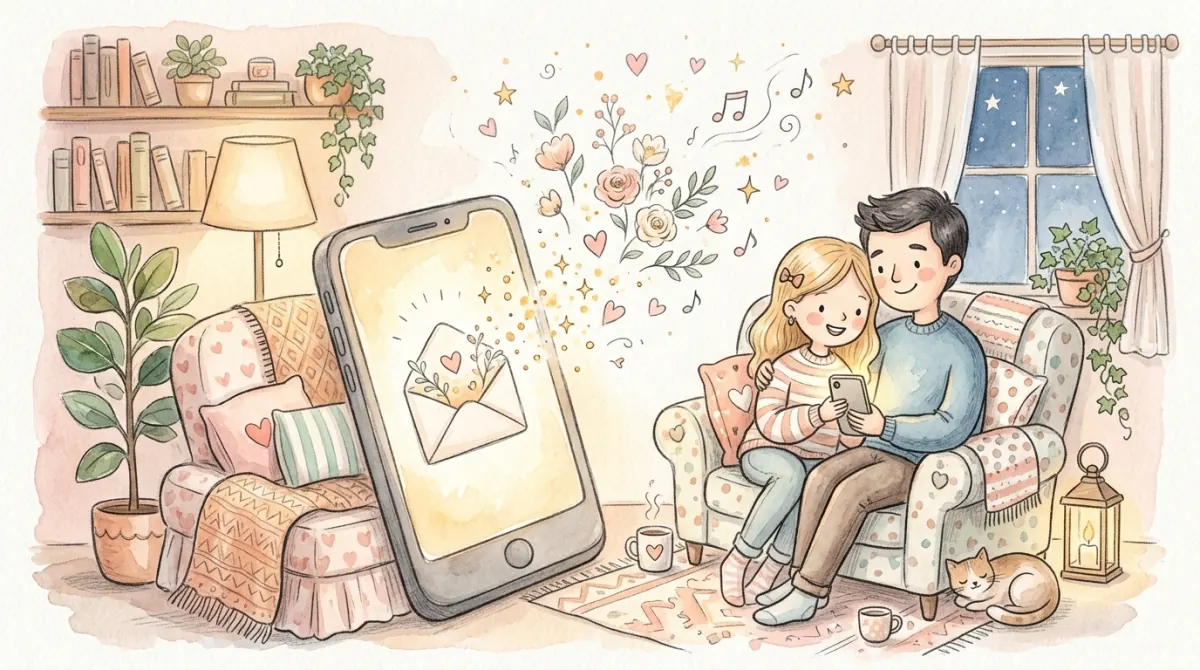
The idea is simple. Your guest taps a link and sees a sealed envelope on their phone. They tap again, the seal breaks, the flap opens, and the invitation rises out with soft music and your names in elegant type. It turns a boring logistics message into a tiny moment of delight. For guests who are scrolling through dozens of messages a day, that moment is what makes your invitation memorable.
This guide shows you how to create a luxury envelope reveal online, what makes one feel expensive rather than gimmicky, and how to avoid the mistakes that slow it down. If you want to see the effect first, explore our animated digital wedding invitations page, then come back here to plan yours.
What Makes an Animated Wedding Invitation Feel Luxurious
Not every animation feels premium. A heavy, slow, bouncing effect looks cheap, while a restrained and well-timed one looks like a film title sequence. Luxury comes from restraint, timing, and detail.
The Five Ingredients of a Luxury Reveal
- A tactile envelope: paper texture, a soft shadow, and a liner pattern that matches your wedding palette. 2. A meaningful seal: your initials or a small monogram, rather than a generic heart. 3. Smooth, slow motion: the flap should open in about one second, with easing that starts and ends gently. 4. A quiet soundtrack: an optional instrumental that begins only after the guest taps, never before. 5. A clear next step: once the card opens, guests should immediately see the date, venue, and an RSVP button.
The common thread is that the animation serves the content. If guests have to wait for an effect before they can read the date, the design has failed no matter how pretty it is. Keep the entire reveal under five seconds and always let people skip it.
Animated Envelope vs. Static Image vs. Plain Link
Many couples start with a screenshot of a designed card because it feels easy. The trouble appears later, when guests ask where to RSVP, how to find the venue, or whether anything has changed. The table below compares the three most common formats.
| Feature | Static Image / PDF | Plain Web Link | Animated Envelope Invitation |
|---|---|---|---|
| First impression | Flat, easily skipped | Functional but forgettable | Emotional, shareable, feels like opening a real envelope |
| Built-in RSVP | No: you chase replies manually | Sometimes | Yes: responses flow into your dashboard |
| Update details later | Resend a new file | Edit the page | Edit once; every guest sees the change |
| Music and video | No | Rarely | Optional background music and video |
| Works on any phone | Often blurry when zoomed | Yes | Yes: no app or download needed |
| Best for | Last-minute reminders | Very casual events | Weddings where the first impression matters |
How to Create Your Animated Envelope Invitation Online (Step by Step)
You do not need to be a designer or a developer. The process takes most couples under an hour when the content is ready.
Step 1: Gather Your Content First
Before you open any editor, collect your names as you want them displayed, the date and time, venue names and addresses, a short message, two or three photos, and your RSVP deadline. Having this ready prevents the most common delay, which is stopping halfway to hunt for a postcode.
Step 2: Choose a Template That Matches Your Wedding Mood
Browse our digital wedding invitation templates and choose by feeling, not by trend. A garden wedding suits soft botanical envelopes, a black-tie ballroom suits deep navy and gold, and a beach ceremony suits airy linen tones. Colours can be customised afterwards, so pick the layout and animation style you like most.
Step 3: Personalise the Envelope
Customise the envelope colour, liner pattern, seal, and the card that emerges. Match them to your invitation suite colours so everything feels like one brand, from the reveal to the RSVP button.
Step 4: Add Music, Photos, and Details
Choose a gentle instrumental track under two minutes long, add your couple photos, and write short, scannable event details. If you are unsure about the wording, our wedding invitation wording examples has copy-paste lines for every part of the card.
Step 5: Connect RSVP and Share
Turn on the RSVP form, set the deadline, and share your link. Our online wedding RSVP guide explains which questions to ask, and our guide to sending invitations on WhatsApp covers the best way to deliver the link.
Design Details That Separate Elegant From Overdone
Most animated invitations that disappoint fail in the same few ways. Use this checklist before you publish.
- Keep the reveal short. Under five seconds from tap to readable content. - Always offer a skip option. Guests on slow connections or in a hurry will thank you. - Start music only after a tap. Autoplay audio is blocked by many phones and startles people in public places. - Limit fonts to two. One script for names, one clean serif or sans for details. - Use high-contrast text. Light grey on cream looks pretty but is unreadable in sunlight. - Compress photos. Large images make the reveal stutter on mobile data.
Remember that older relatives may open your invitation on an older phone. Choose designs that degrade gracefully and test on at least one budget device. Our mobile-first wedding invitations page explains the layout rules we use for this.
Copy-Paste Messages to Share Your Animated Invitation
A beautiful reveal deserves a thoughtful first message. Mention that there is an envelope to open so guests are curious instead of confused.
Playful Teaser
Hi [Name]! 💌 Something special just arrived for you. Tap the link and open the envelope: [Link]
Warm & Traditional
Dear [Name], we are delighted to share our wedding invitation with you. Please tap to open the envelope and find all the details: [Link]
Polite & Brief
Hi [Name], we would love for you to celebrate our wedding with us. Your invitation is here, and you can RSVP on the same page: [Link]
Clear Instructions
Dear [Name], please tap the link below and then tap the envelope to open our invitation. If anything is unclear, call us and we will help: [Link]
Common Mistakes When Creating an Animated Wedding Invitation
Mistake 1: Treating the Animation as the Whole Invitation
Guests don't RSVP because of an animation. They RSVP because the next step is obvious. Spend as much time on the RSVP section, map links, and schedule as on the envelope.
Mistake 2: Forgetting Accessibility
Some guests are sensitive to motion or use screen readers. Provide readable text alongside animation and respect reduced-motion settings where possible.
Mistake 3: Not Testing the Link
Open your invitation on iPhone and Android, on Wi-Fi and mobile data, and in both a chat app browser and a regular browser. Fix anything that looks different. If you plan to add a printed card with a code, test your QR code wedding invites too.
Mistake 4: Hiding Practical Information
A reveal is lovely, but guests still need the dress code, parking, and timeline. Put these in clearly labelled sections below the card so nothing is buried.
Tracking Responses After the Reveal
The best part of an interactive invitation is what happens after the guest opens it. Every response appears in your real-time RSVP tracking dashboard, so you can see who has attended, declined, or not yet replied. This also lets you send targeted reminders instead of messaging your whole list. For more on balancing price and features, see our digital vs paper cost comparison.
If you are comparing options, the one-time payment model means you can add guests, edit details, and keep the invitation live without paying per envelope or per reminder. That freedom is especially valuable if your plans change.
Frequently Asked Questions
Can I add music to an animated wedding invitation?
Yes. Most animated invitations let you add a short instrumental track that starts when the guest taps the envelope. Keep it quiet and under two minutes.
Do guests need to download an app to open it?
No. The invitation opens in any modern mobile browser from a simple link, so guests do not need to install or sign up for anything.
Will an animated envelope work on older phones?
A well-built one will. Keep images compressed and animations short, and always test on at least one older device before sharing.
Is an animated invitation too casual for a formal wedding?
Not if the design is restrained. A slow envelope reveal with a monogram seal and elegant typography reads as refined. Our etiquette guide covers formal weddings in detail.
Can I change details after I share the link?
Yes. Because the invitation lives online, any edit appears for every guest who opens the same link, with no need to resend.